Motivation
I am working on a 14" personal laptop and I needed a fast, minimal notepad directly in the browser because because context switching is a pain. Existing options required accounts or had unnecessary features that I do not want.
P.S. This is practically a side quest. I was working on a different project when I got bothered switching tabs and desktop spaces.
Goal/s
- Learn how to build a simple Chrome Extension
- Build a Chrome extension popup notepad
Dev Log
- Browsed https://developer.chrome.com/docs/extensions/get-started/tutorial/hello-world as a primer.
- Created a Chrome extension with
manifest.json,popup.html,popup.css, andpopup.js - Implemented a textarea in
popup.htmland wired it tolocalStorageinpopup.js - Added a clear button and hooked it to reset both UI state and stored data
- Added a character counter (just for the heck of it)
- Structured the UI into header, body, and footer sections in
popup.css - Added a light/dark mode toggle and persisted the selected theme in
localStorage - Implemented a "Copy all" button using the Clipboard API
- Wrote the Chrome Web Store listing fields:
manifest.jsondescription (105 chars)- single-purpose statement
- privacy policy page (ikr?)
- Packaged the extension into a zip
- Submitted the extension through the Chrome Web Store Developer Dashboard
This blog is harder than popup.js itself because it simply does the following:
- Load = restore note and theme from
localStorageon popup open - Auto-save = persist note on every keystroke
- Count = update character count
- Copy = copy content to clipboard with feedback
- Clear = reset note and storage
Result
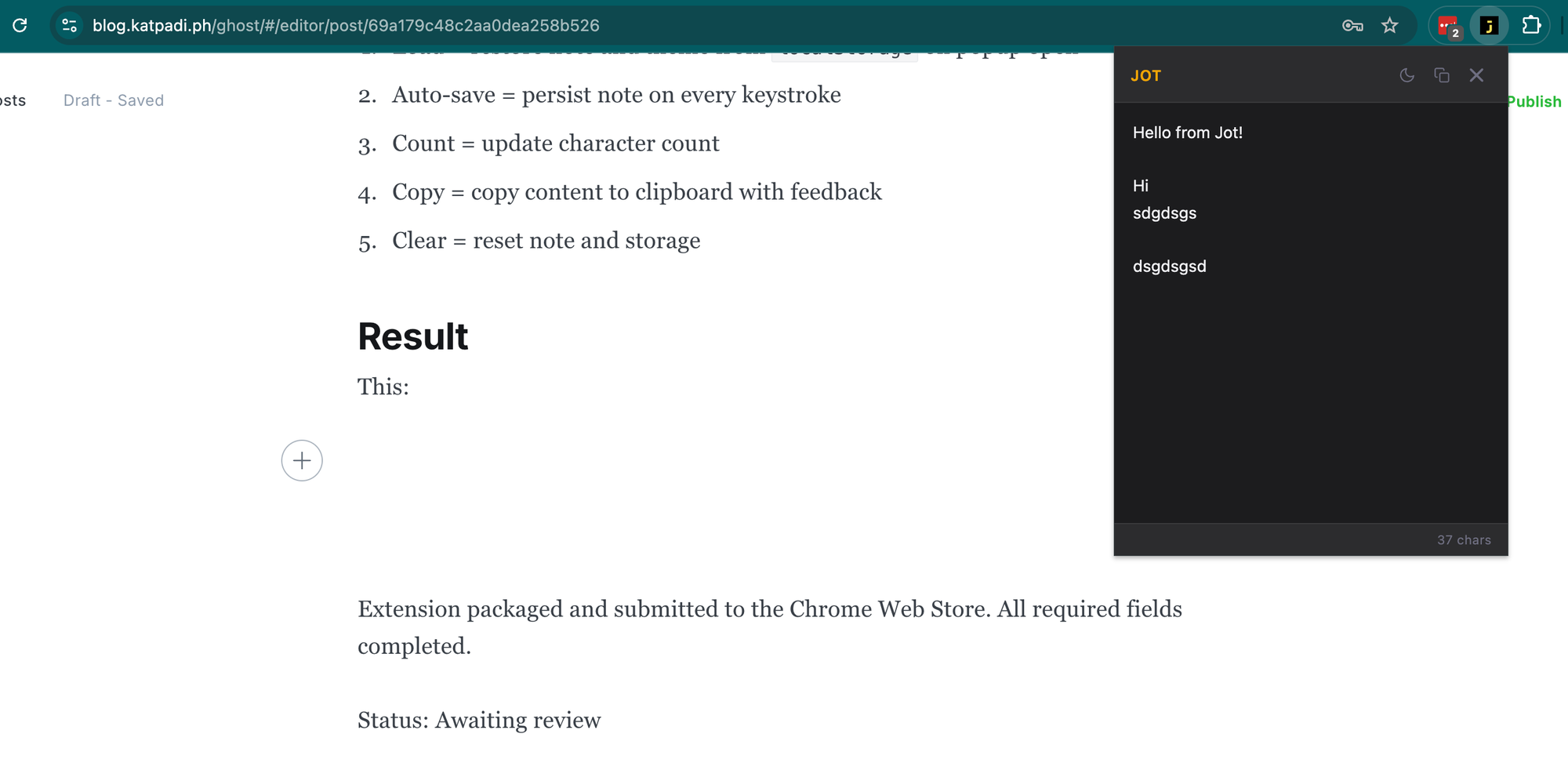
Currently, the extension has been packaged and submitted to the Chrome Web Store. Internet says it usually takes 2-5 days.
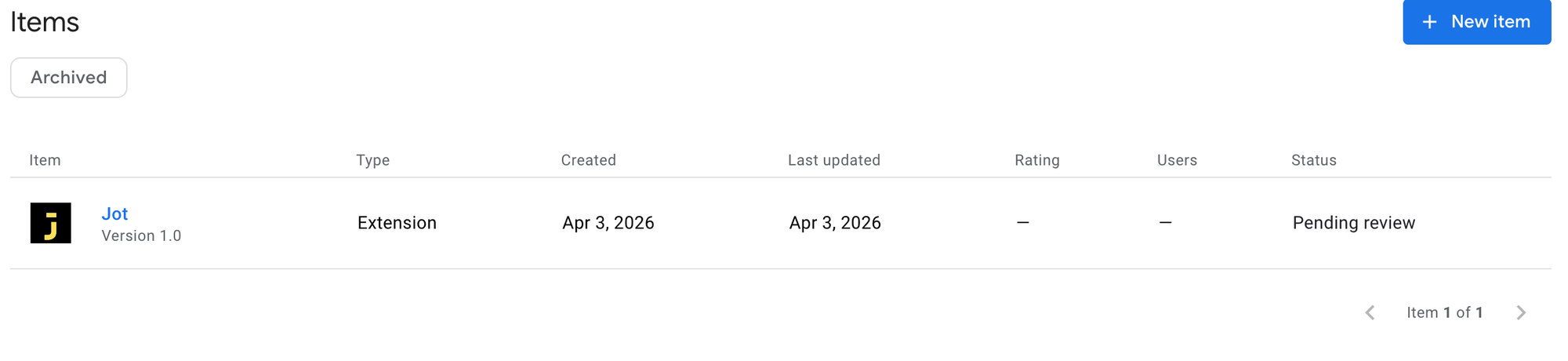
I am already able to use it via Developer Tools. I just had to put it on Chrome Web Store and see what the process is like in case I want to build other extensions in the future.
Lessons
- Chrome Web Store requires a privacy policy URL even if no data leaves the browser
localStoragein extensions is scoped to the extension origin, not the regular webpage context. So, inspecting extension storage requires opening DevTools on the popup, not the main page
Github Repo: https://github.com/katpadi/jot/